
Keep the missed objective clear
Record what the quest failed to achieve. Keep what the party accomplished in your campaign notes as you prepare the consequences.
Tabletop campaign aftermath
The objective was missed.
The story moves forward.
Prepare what follows.
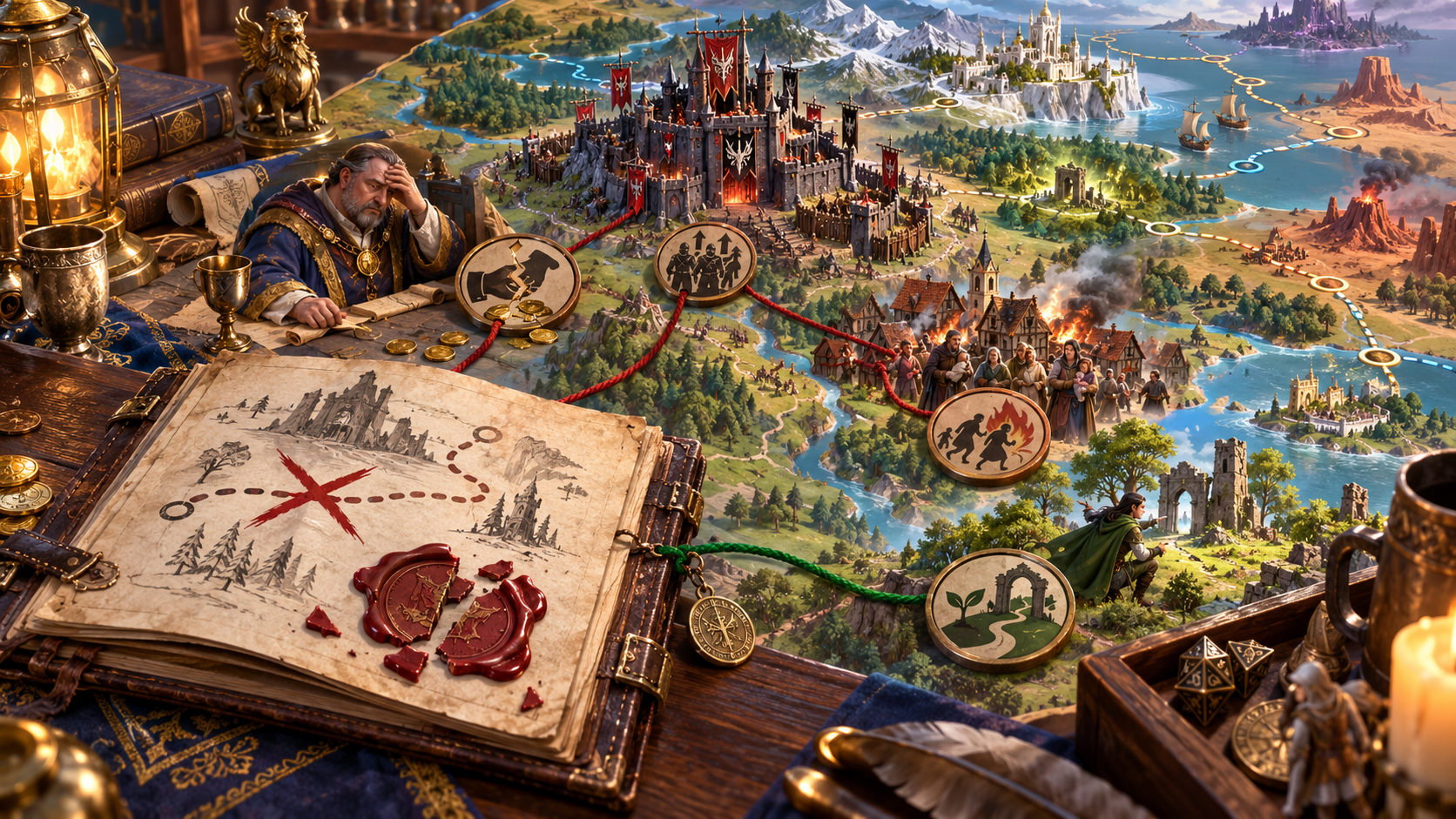
A setback with consequences
Prepare an aftermath and a next decision.
Record what the quest failed to achieve. Keep what the party accomplished in your campaign notes as you prepare the consequences.
Review the immediate effect, wider pressures and recovery opportunities. Choose material that lets the group respond to the setback.
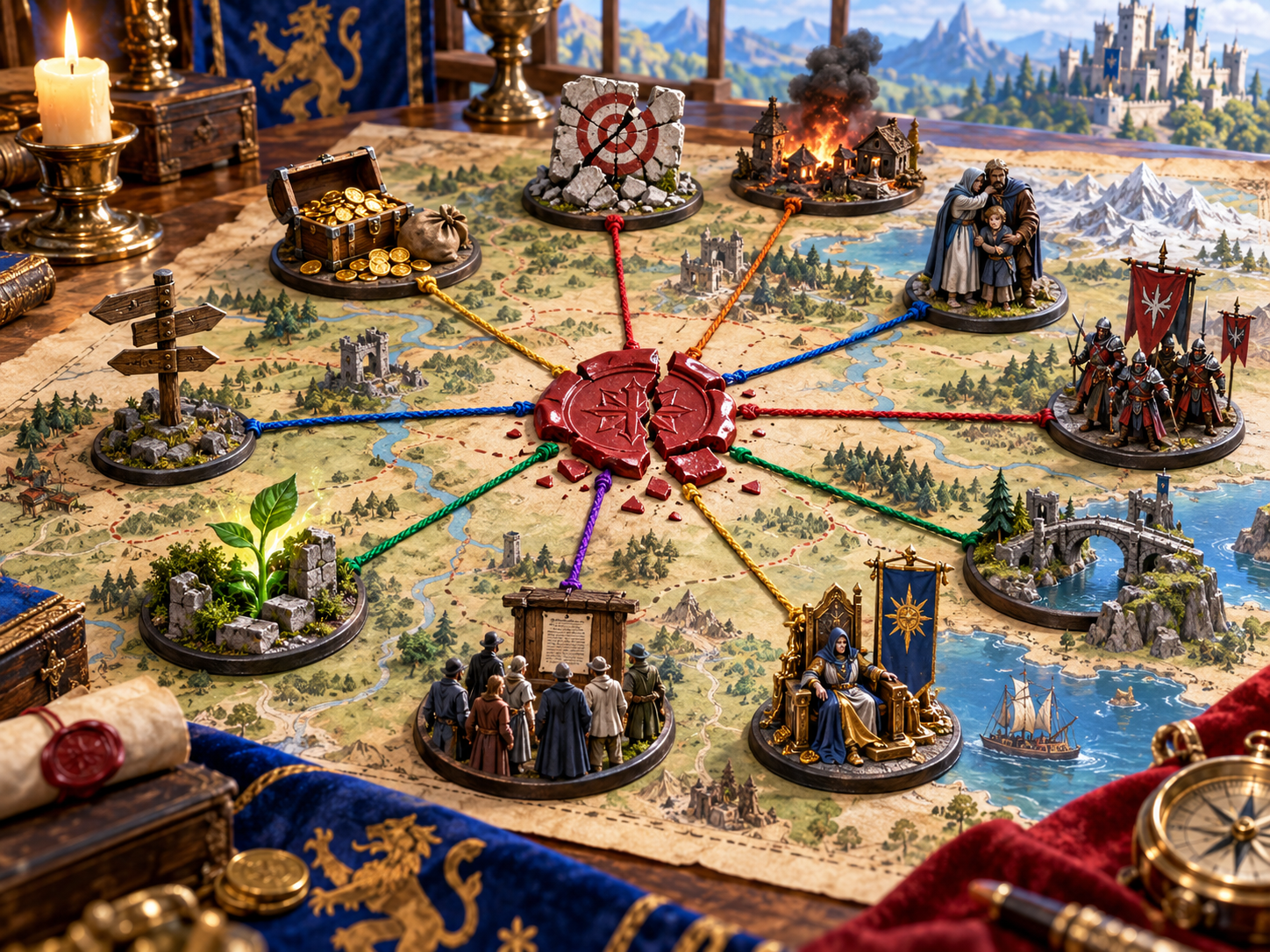
People. Places. Resources.
The illustration connects a broken quest seal to coins, a damaged target, a burning settlement, a family, soldiers, a ruler and several places on a map.
Prepare the aftermath across the people and resources that matter to your quest. Consider an enemy advantage, a changed relationship or a location affected by the missed objective. Decide which consequences belong in your campaign.
Quest aftermath material
Review the outcome and prepare it for your table.
Name the quest and note its objective. Keep a clear record of what was missed and what the party already accomplished.
Use the objective-based or roll-based choices to prepare an outcome. Review the result against the events established at your table.
Consider how strongly the outcome should affect the campaign. Use the result as preparation and decide what belongs in the fiction.
Review gold, reputation and special reward notes alongside the quest outcome. Decide how to use those notes in your campaign.
Prepare what changes first when the objective is missed. Give the next scene a concrete consequence the characters can recognise.
Use complication and opportunity prompts to prepare pressure and a possible way forward. Choose the material that fits your adventure.
Consider who is affected, what an enemy gains and how trust changes. Tie your aftermath to the people already in the campaign.
Consider a lost resource or a changed location. Describe the effect so the players have something specific to respond to.
Review immediate, later and recovery notes. Prepare an opening the group can choose to pursue, with a decision for the next session.
Save outcomes in your local Desktop Control Centre workspace, reopen them and remove records you no longer need. Copy the outcome text for your session notes.

Prepare the next conversation
The illustration shows a group reviewing a missed objective on a campaign model, with people affected by the setback and several paths leading onward.
Review the outcome alongside what happened in play. Choose the complication, opportunity and recovery material that fits your adventure. Keep the next decision open for the characters.
From the objective to the aftermath
A focused preparation workflow.
Name the quest and record the objective. Use your session notes to keep completed work and established campaign facts clear.
Choose the resolution approach, then review the severity, reward notes, complications and opportunities.
Review immediate, later and recovery notes. Decide when each consequence becomes visible in the story.
Prepare the next scene and the decision it presents. Give the characters room to choose their response.
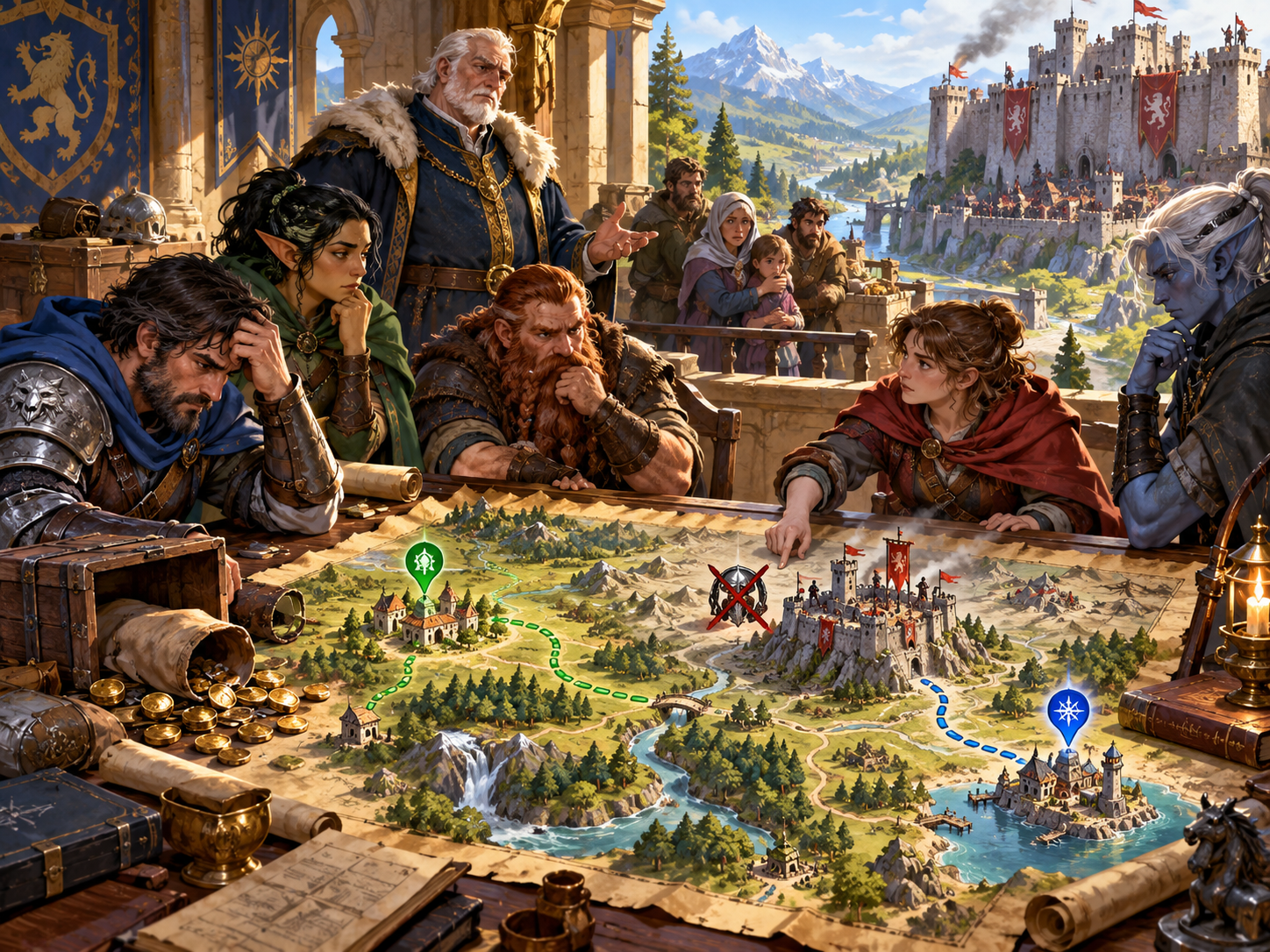
An opening after the setback
The illustration shows adventurers considering a map after a crossed-out objective, with a family, a ruler and routes toward a town and a coast.
Prepare a recovery opportunity the characters can understand. It might lead toward a person, place or resource already in your campaign. Decide what is possible and let the group choose how to respond.
Keep useful aftermaths
Keep the outcome with your local preparation.
Keep the quest outcome in your local Desktop Control Centre workspace. Reopen a saved outcome when preparing a later session.
Review saved outcomes and delete records you no longer need. Keep the material relevant to your current campaign.
Copy the outcome text into your session notes. Keep the consequence, rewards, complications, opportunities and recovery together.
Read the text before presenting it to players. Choose the information they can learn in the scene and keep your private preparation separate.
Your workspace and related tools
Open your tools through your VISINVOKE account.

Open Quest Failure in DCC. Get the desktop workspace through your account installer page.

Prepare a separate story about making amends, its cost and how others respond. Use that material alongside your adventure.
Product illustrations show quest consequences, affected people and possible routes forward.
Questions and answers
Preparation, review, local records and account access.
It prepares quest aftermath material: a missed objective, consequence, reward notes, complications, opportunities, timing and recovery. Review the material against your established campaign.
Name the quest, record the objective and choose an objective-based or roll-based approach. Review the outcome and prepare what follows in your adventure.
They give you material for a possible route forward after the setback. The Dungeon Master decides what fits, and the players decide what to pursue.
Use the outcome as preparation. Choose the consequences, rewards and timing that belong in your campaign, then present the next decision to the group.
Save it in the local Desktop Control Centre workspace, reopen a saved outcome and delete records you no longer need. Copy outcome text for your notes and review it before sharing.
Open Quest Failure in VISINVOKE Desktop Control Centre. Create an account or sign in and get DCC through your account installer page.
Continue in VISINVOKE
Create a VISINVOKE account or sign in. Get Desktop Control Centre through your account installer page and open Quest Failure.
Browse your premium products through your account. Prepare your campaign aftermath in the desktop workspace.